We
set wallpapers to show our attitude in front of others when we use our
computer, many times students compete in searching and setting a trendy
wallpaper, I have to say wallpapers are not only the background of our desktop
pc or laptops, but they are the part of our life, today there are bunch of
websites from where you can download your favorite wallpapers, there is nothing
special in setting wallpaper of your desktop but if I tell you to please set
your login screen wallpaper without using any type of software ?
Yes, there are some utility and system maintenance software in the
market using which you can set your login screen wallpaper as Tune Up
Utilities, but I am telling here about a method through which you can set your
login screen wallpaper without using any type
of software.
Steps to change your login screen wallpaper
- Click on start button and search regedit and click “regedit.exe”.
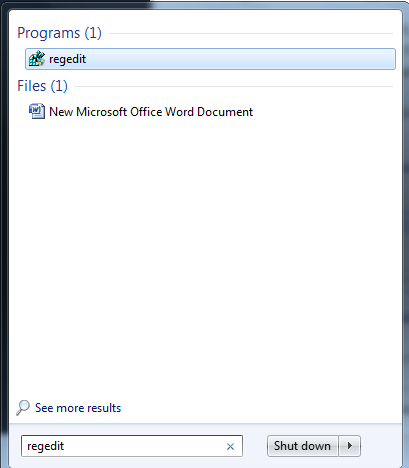 |
| search for regedit in startup menu |